


Way.com

Way.com

2024

2024

B2C

B2C

Explainer Storyboard

Explainer Storyboard

A car super app that helps users in USA to book and pay for parking, carwashes, Insurance, mileage tracking and more.

A car super app that helps users in USA to book and pay for parking, carwashes, Insurance, mileage tracking and more.

Shipped

Redesigned cashback flow: improved completion by 20%

Redesigned cashback flow: improved completion by 20%

Redesigned cashback flow: improved completion by 20%

Team

Team

Designers

Designers

: Jithuna & Swathin

: Jithuna & Swathin

Motion

Motion

: Arjun

: Arjun

Head of Design

Head of Design

: Glidin Bernabas

: Glidin Bernabas

Product Manager

Product Manager

: Shashank Sharma

: Shashank Sharma

Duration

Duration

6 Weeks

Starting

Starting

: 29 Oct 2024

: 29 Oct 2024

Ending

Ending

: 12 Dec 2024

: 12 Dec 2024

Role

Role

· UX-led explainer concept

· Storyboarding & style definition

· Cross-team motion collaboration

Impact

Impact

Conversion increased from

15% → 35% among users who watched the explainer.

Here’s a quick summary
Problem

Problem

Despite a successful UI refresh (Phase 1 redesign), cash-back claim conversion did not improve.
Users struggled to understand eligibility and sequence at the moment of action.

Despite a successful UI refresh (Phase 1 redesign), cash-back claim conversion did not improve.
Users struggled to understand eligibility and sequence at the moment of action.

Constrains

Constrains

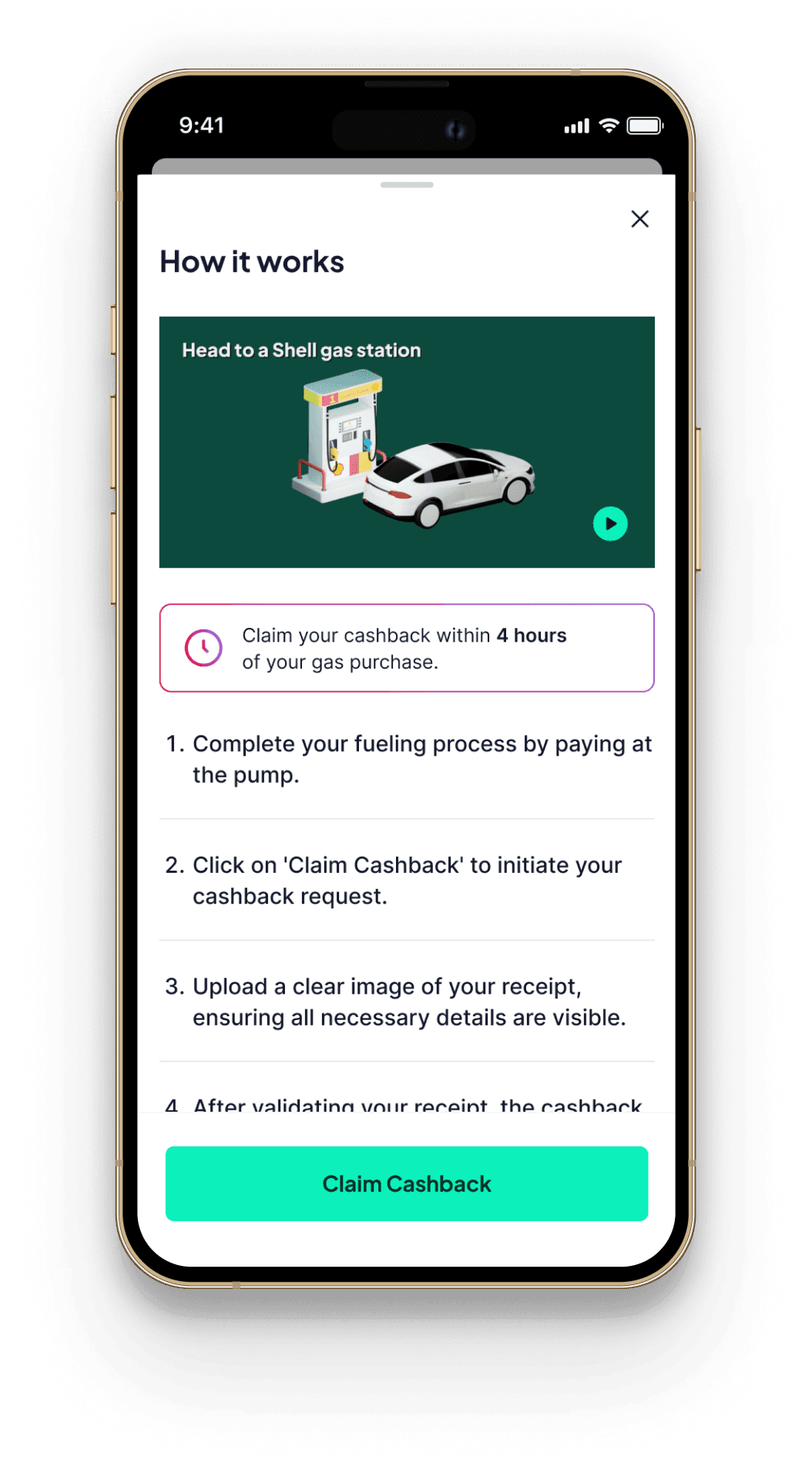
Since developers were occupied with other updates after Phase 1 redesign, Phase 2 focused on improving clarity within the existing experience with minimal development effort.

Since developers were occupied with other updates after Phase 1 redesign, Phase 2 focused on improving clarity within the existing experience with minimal development effort.

Solution

Solution

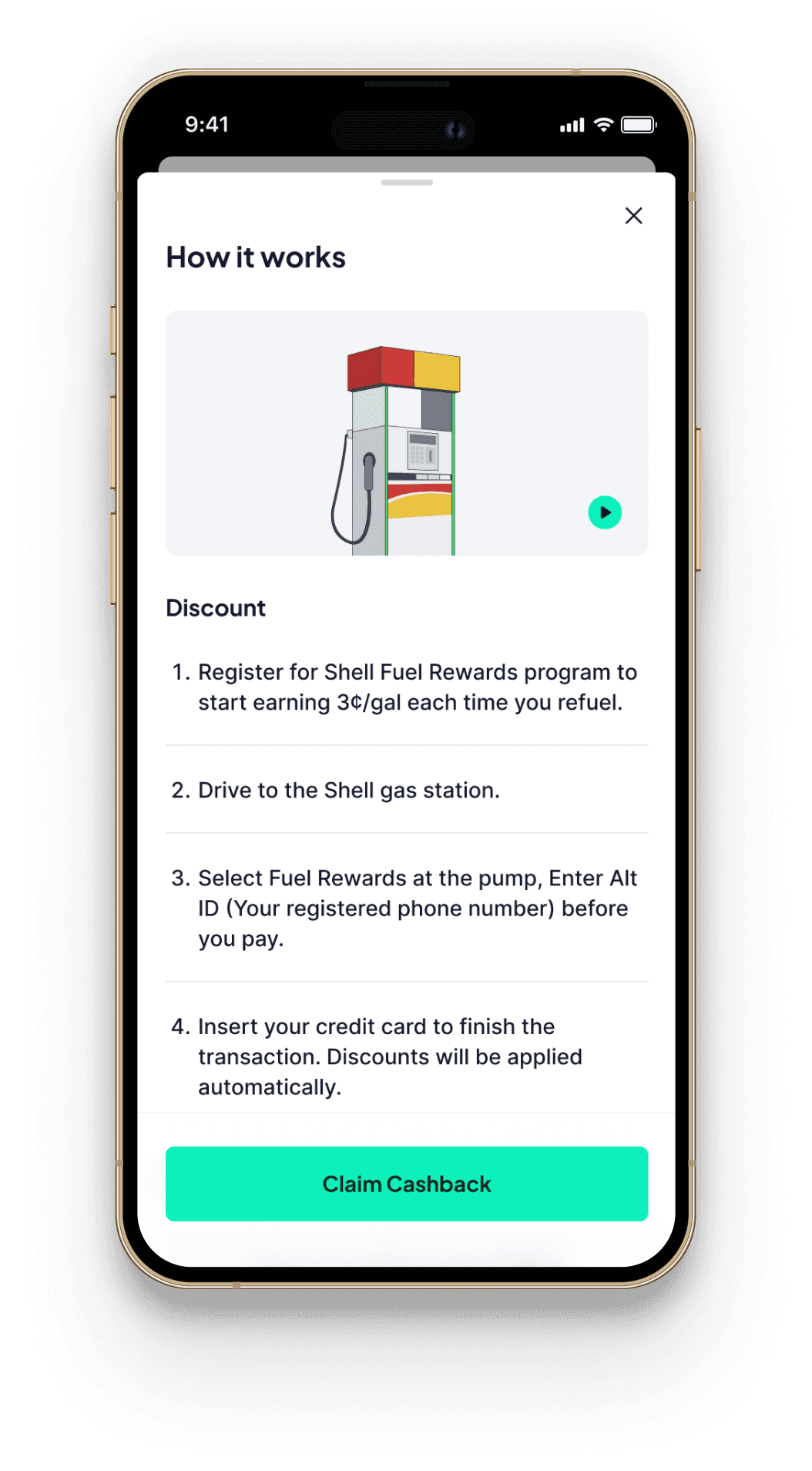
This redesign (Phase 2) focused on reducing cognitive friction by replacing static instructions with a visual explainer of the claim flow, increasing cashback claim conversion rate.

This redesign (Phase 2) focused on reducing cognitive friction by replacing static instructions with a visual explainer of the claim flow, increasing cashback claim conversion rate.

Backstory:

Entering the Gas Vertical

Backstory:

Entering the Gas Vertical

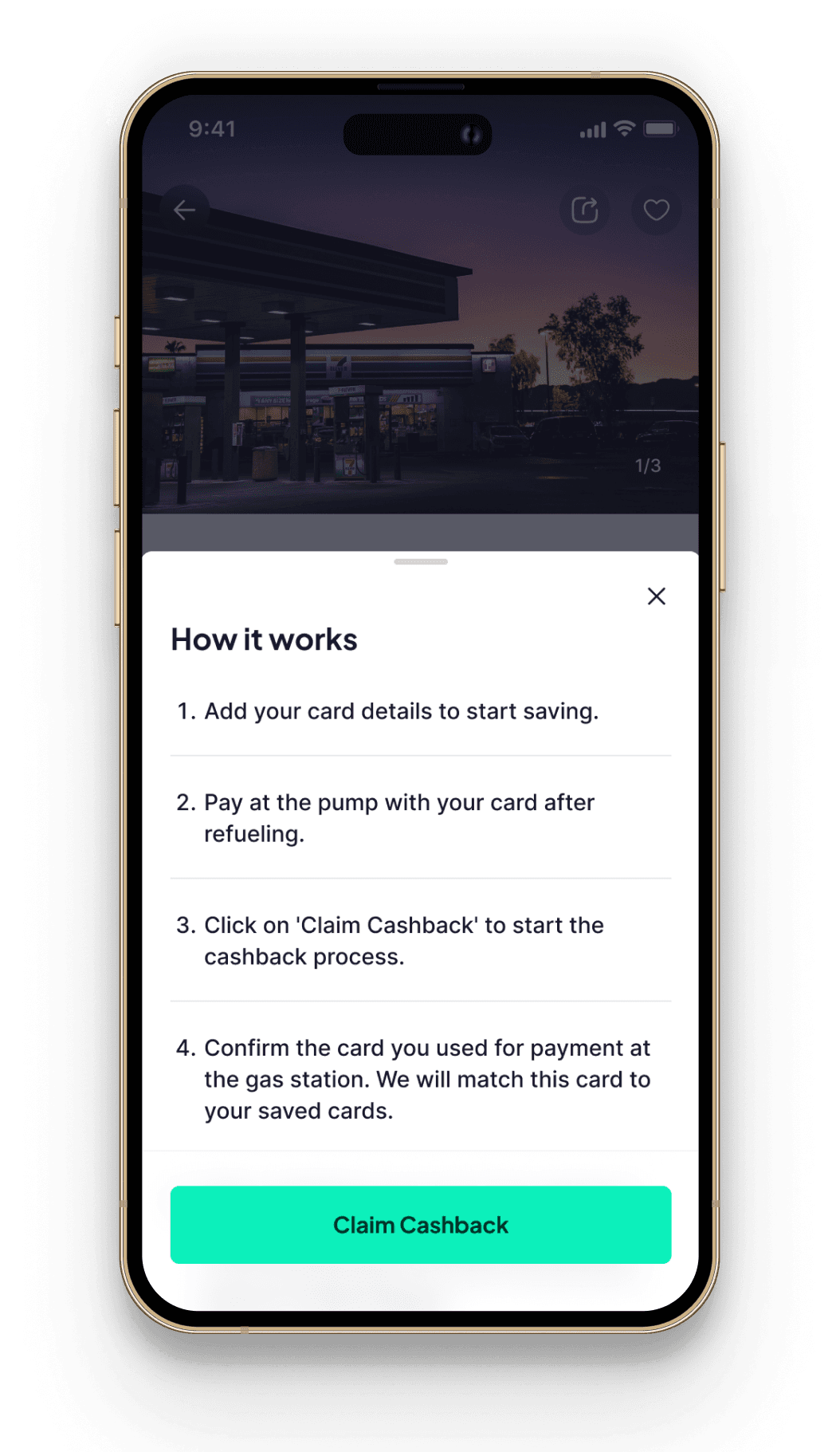
I was added to the Gas vertical redesign alongside Swathin, our Senior Visual Designer to strengthen the UX at key touch points as a phase 2 release, since the phase 1 release improved only the visual consistency, but claim conversion remained low,

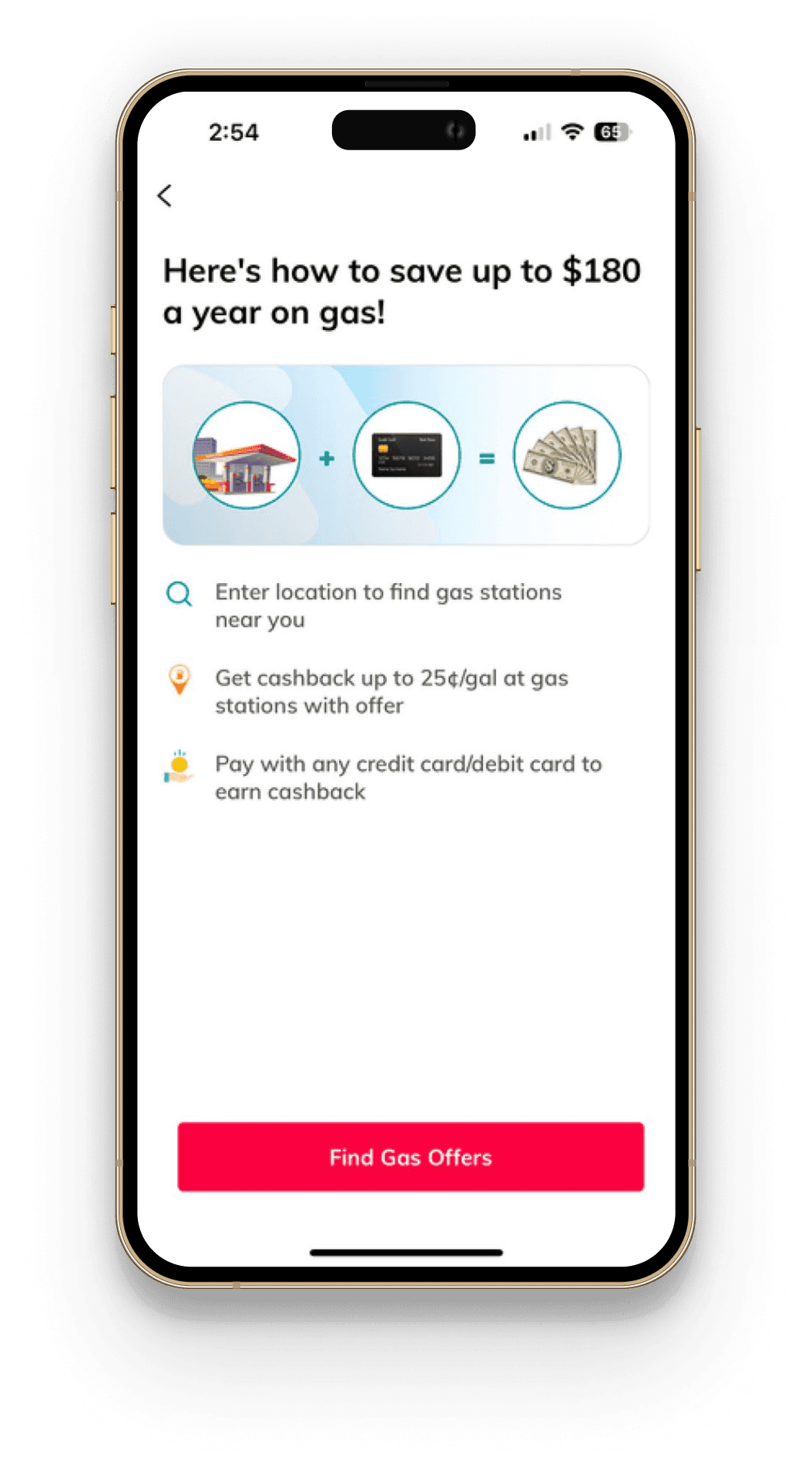
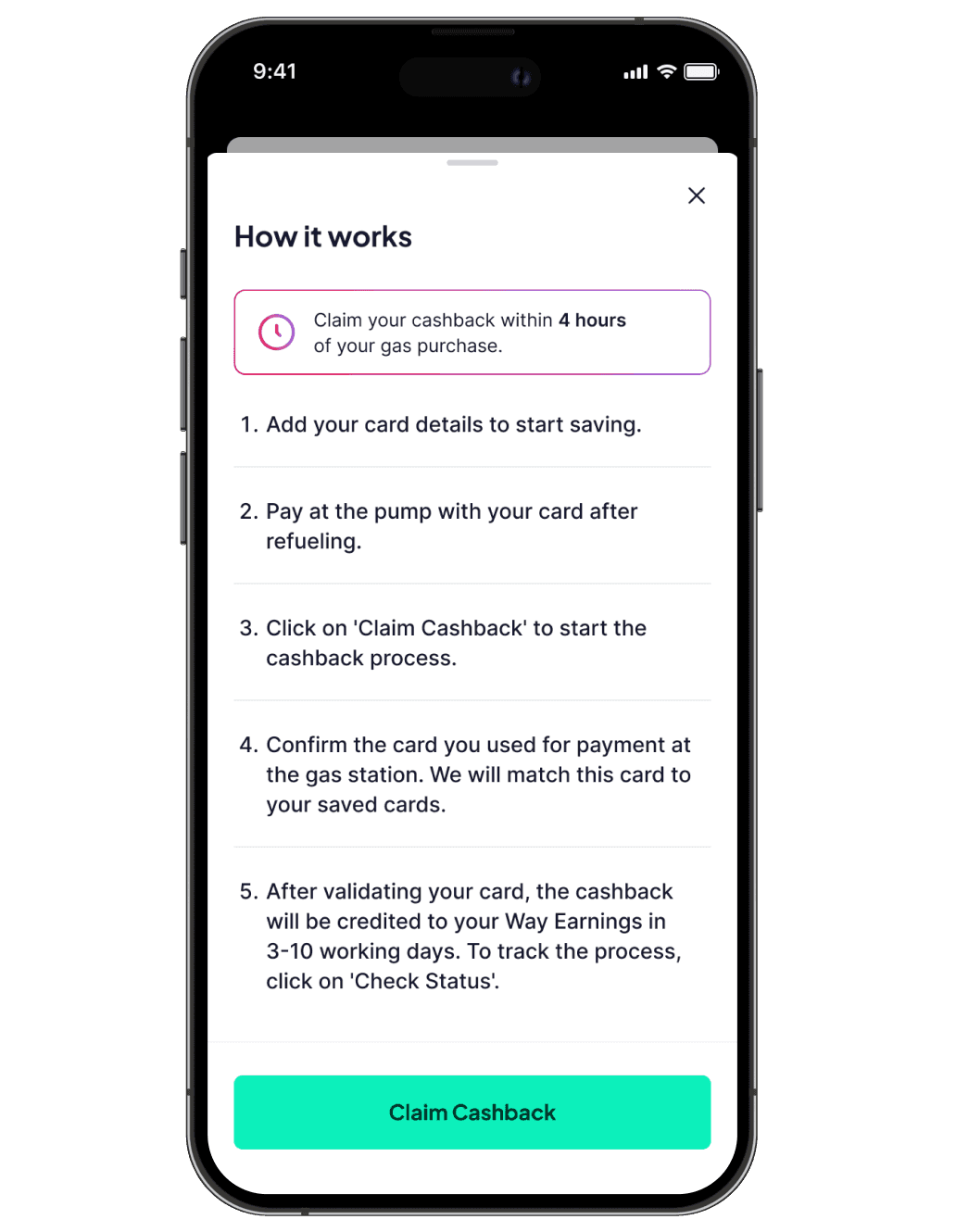
Phase 1 vs phase 2

Phase 1 release revealed that the underlying issue was clarity, not aesthetics. That's why Phase 2 focused on solving the real problem that is; clarity at the moment of cash-back claim.
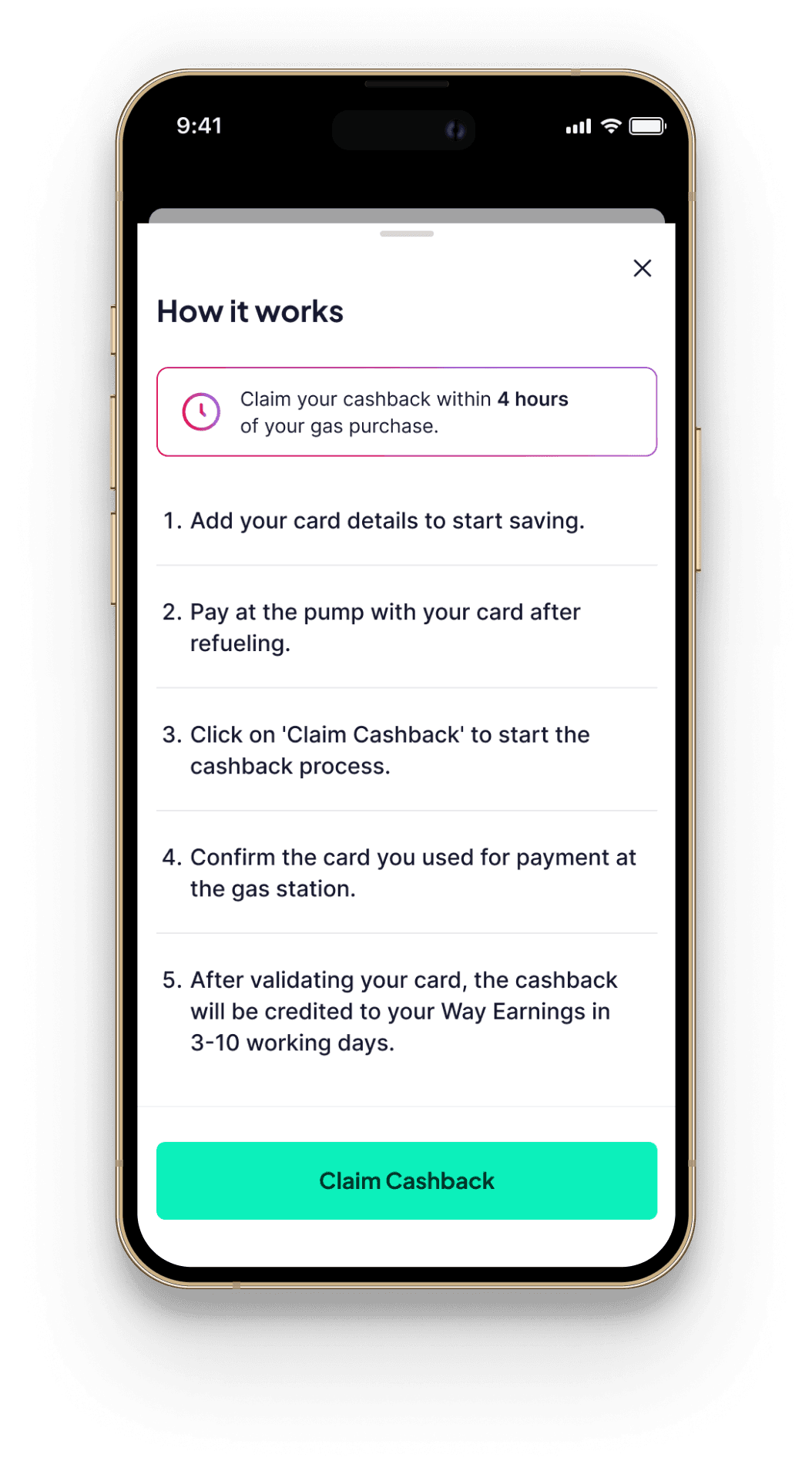
Phase 2 - UX improvement

Phase 2 - UX improvement

Phase 1 -

UI update

Old Screen

Old Screen

Multiple Cashback Paths

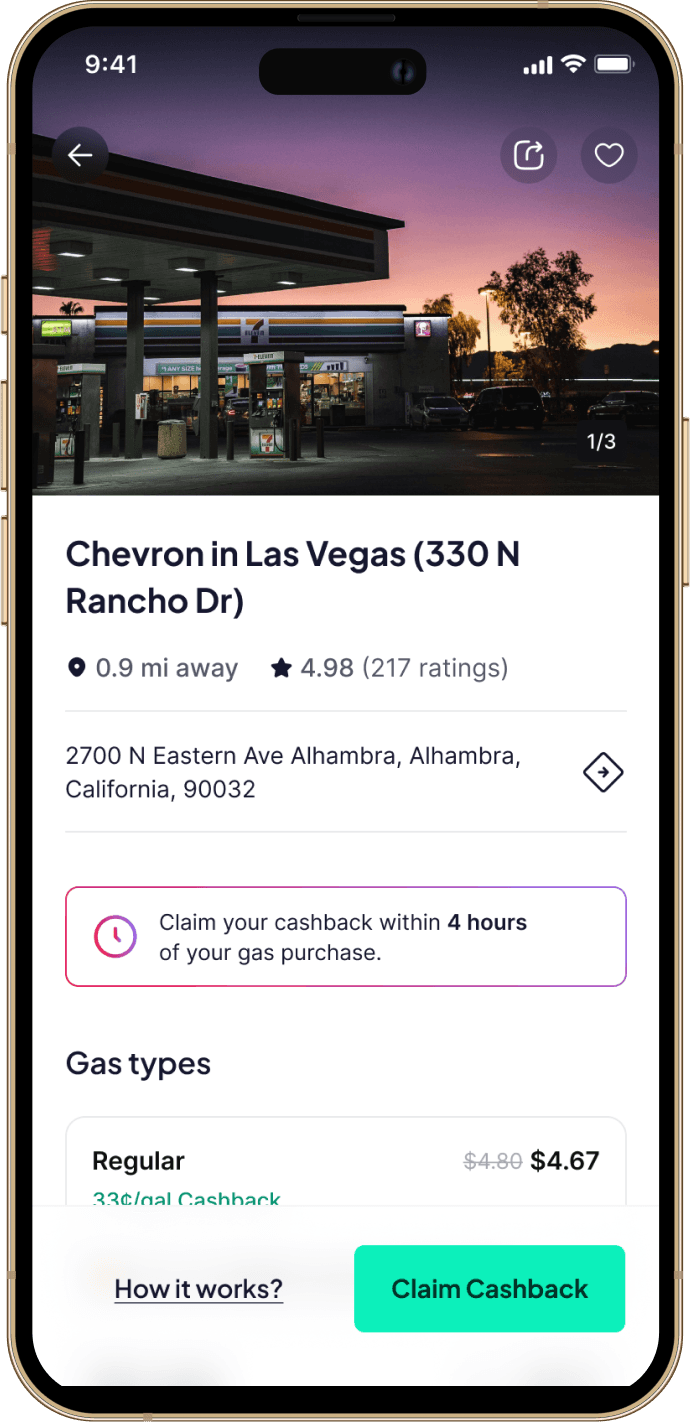
Unlike other vertical flows, the Gas Cash-back experience combined multiple claim paths. Once a station is selected, gas cash-back can follow different paths like:

Flow 1

Flow 1

Flow 1

Flow 2

Flow 2

Flow 2

Flow 3

Flow 3

Flow 3

Saved card

(Upside)

Saved card

(Upside)

Saved card

(Upside)

Receipt upload

Receipt upload

Receipt upload

Shell rewards

Shell rewards

Shell rewards

Selected Station

Selected Station

Selected Station

Cashback/

Discount

Cashback/

Discount

Cashback/

Discount

If users don’t successfully claim cash-back, the entire Gas vertical loses meaning.

If users don’t successfully claim cash-back, the entire Gas vertical loses meaning.

Which meant one thing:

Claim conversion was the business-critical moment.

Quick Audit of the Existing Flow

Quick Audit of the Existing Flow

With a two-week timeline assigned, I needed a fast, structured way to diagnose usability gaps, without running a full user study, so I chose a heuristic evaluation.

Heuristic Evaluation

Heuristic Evaluation

Heuristic Evaluation

I evaluated the Gas cash-back flow against core usability principles and reached following insights:
Recognition over recall

Recognition over recall

Recognition over recall

Visibility of system status

Visibility of system status

Error prevention

Error prevention

Match between system and real world

Match between system and real world

High memory dependency

High memory dependency

High memory dependency

Recognition over recall

Recognition over recall

Recognition over recall

Users had to recall eligibility rules instead of recognizing them in context.

Users had to recall eligibility rules instead of recognizing them in context.

Unclear Cashback Context

Unclear Cashback Context

Unclear Cashback Context

Match between system and real-world context

Match between system and real-world context

Match between system and real-world context

Eligibility rules weren’t clearly tied to the selected station or offer type.

Eligibility rules weren’t clearly tied to the selected station or offer type.

Misaligned Flow Timing (Shell reward)

Misaligned Flow Timing (Shell reward)

Misaligned Flow Timing (Shell reward)

Visibility of system status & Error prevention

Visibility of system status & Error prevention

Visibility of system status & Error prevention

Shell Rewards required pre-registration, but this wasn’t clearly distinguished.

Shell Rewards required pre-registration, but this wasn’t clearly distinguished.

In summary,

The experience relied too heavily on user memory.

The experience relied too heavily on user memory.

Observed User Behavior

A significant portion of drop-offs occurred at card confirmation and receipt validation steps

22%

22%

22%

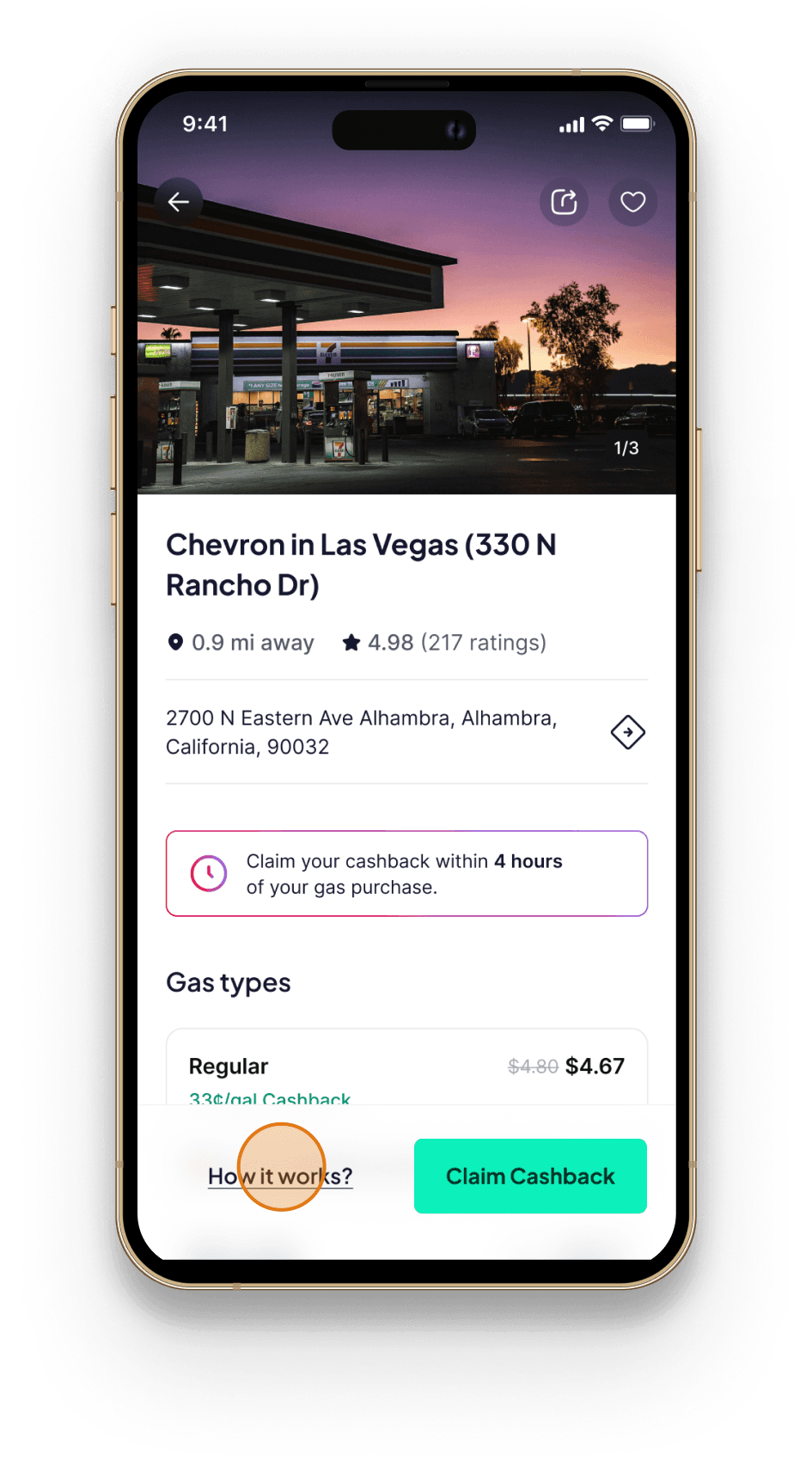
of users opened the “How it works” sheet before initiating a claim

60%

60%

60%

closed the “How it works” sheet within 5 seconds among users who opened it

28%

28%

28%

of claim attempts required retries due to eligibility or flow confusion

This suggested that:


  1. Instructional content was being skimmed or skipped.

  2. Users were initiating claims without fully understanding the sequence.

  3. Comprehension friction was affecting successful completion.

The Strategy

The Strategy

Rather than redesigning the entire details page, the focus was on two high-leverage interventions:

1.

Clarify timing for pre-required flows (Shell Rewards)

Clarify timing for pre-required flows (Shell Rewards)

2.

Replace instructional dependency with visual demonstration

Replace instructional dependency with visual demonstration

The strategy aimed to:


  • Protect the claim conversion moment by reducing cognitive load

  • Improve mental model for users

  • Increase their confidence before initiating claims

Intervention 1

Intervention 1

“Eligibility needed to appear before commitment.”

“Eligibility needed to appear before commitment.”

Shell Rewards required registration before refuelling. But this requirement wasn’t visually emphasised.
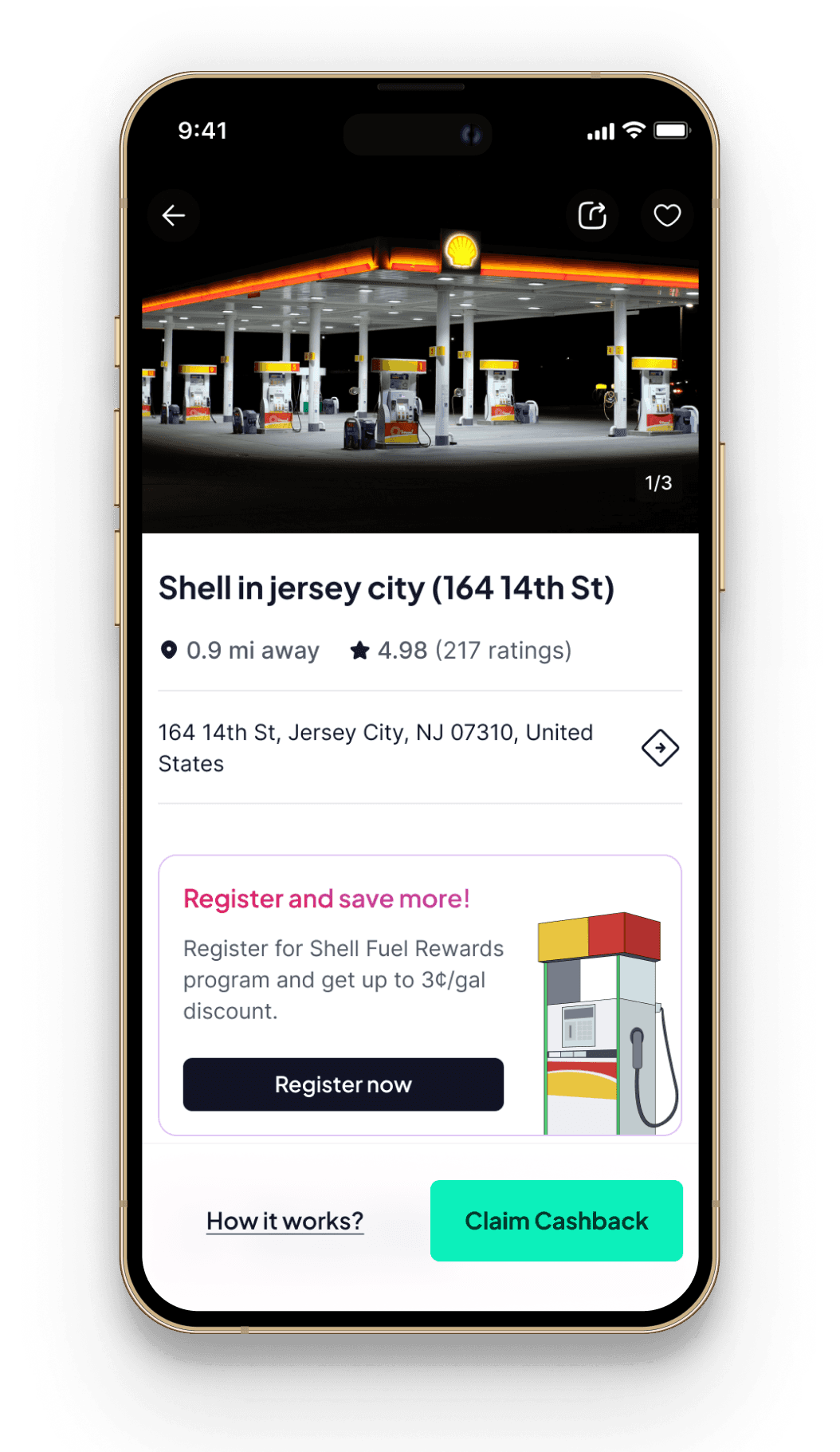
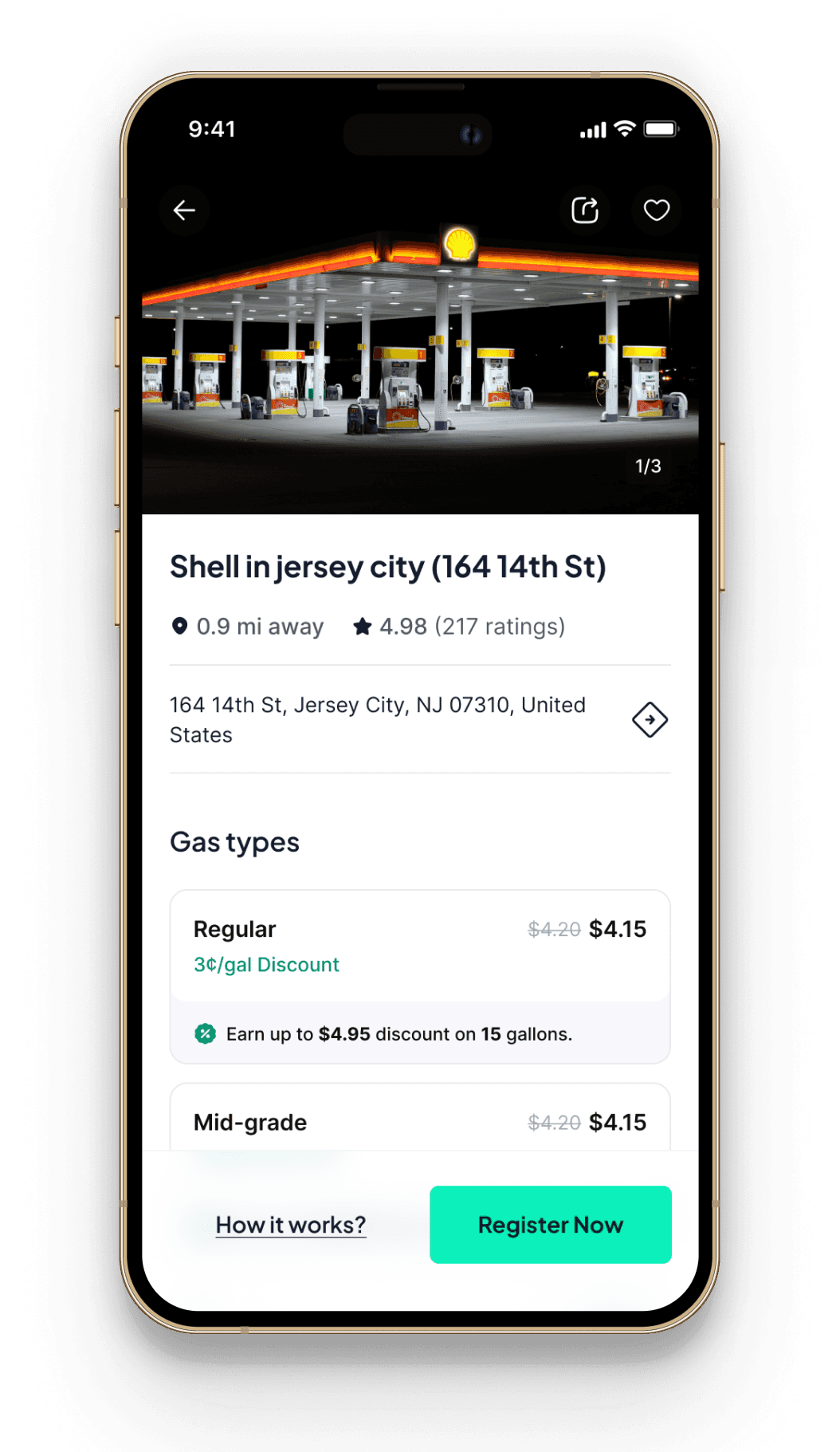
A prominent pre-registration card on the station details page with timing explicitly communicated and surfaced at decision level.

A prominent pre-registration card on the station details page with timing explicitly communicated and surfaced at decision level.

A prominent pre-registration card on the station details page with timing explicitly communicated and surfaced at decision level.

Users could now:

  • Avoid post-refuel eligibility surprises

  • Take action before it was too late

Intervention 2

Intervention 2

“If users won’t read it, show it.”

“If users won’t read it, show it.”

Instead of reading multiple steps, users could understand the sequence in seconds.
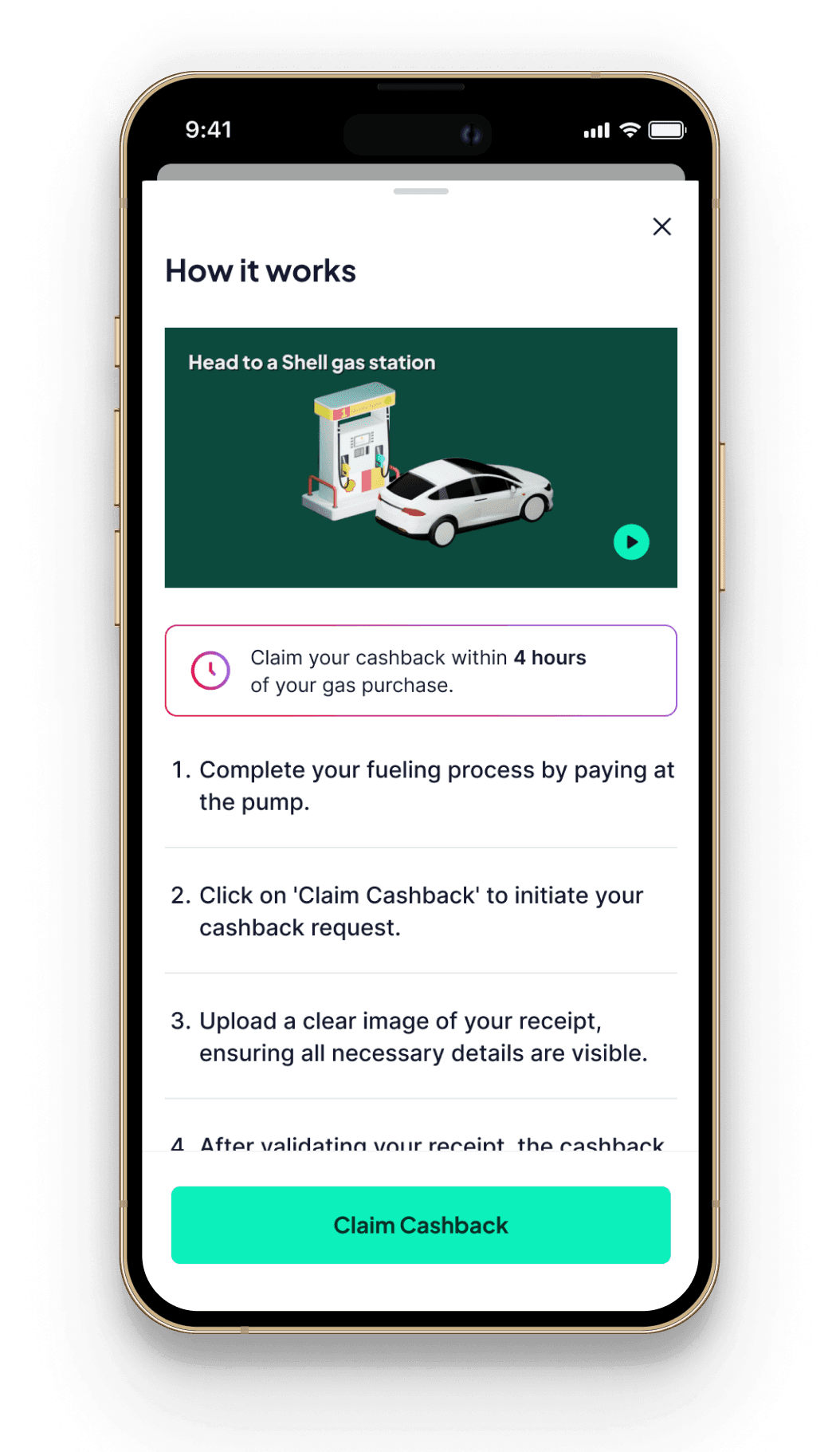
A short motion-led explainer video demonstrating the claim flow instead of relying on dense text.

A short motion-led explainer video demonstrating the claim flow instead of relying on dense text.

A short motion-led explainer video demonstrating the claim flow instead of relying on dense text.

The explainer:

  • Reduced cognitive effort

  • Reinforced eligibility rules visually

  • Improved clarity of claim timing

  • Increased confidence before tapping “Claim Cashback”

Crafting the Explainer

Crafting the Explainer

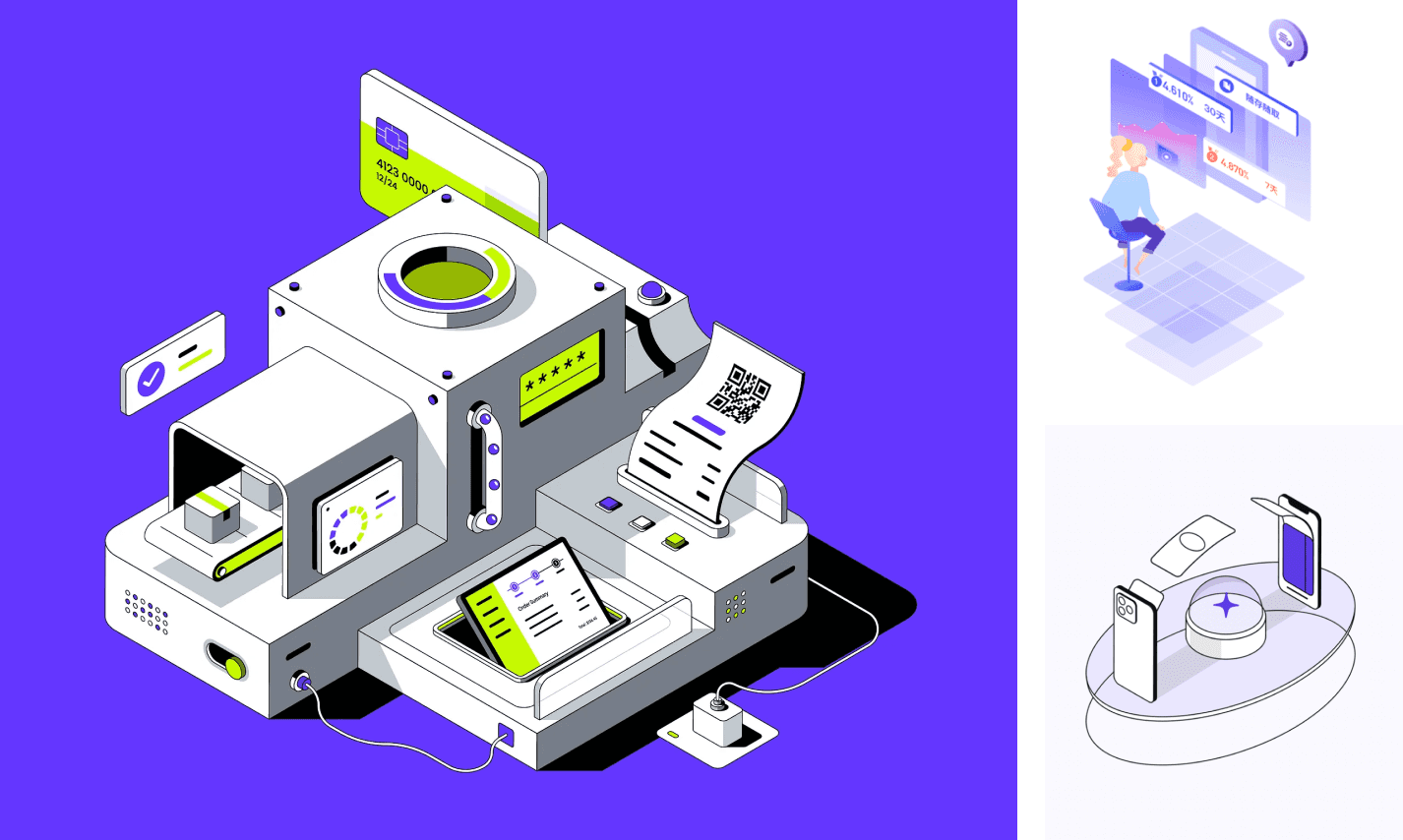
o design the explainer, we translated Way’s existing isometric visual language into motion.

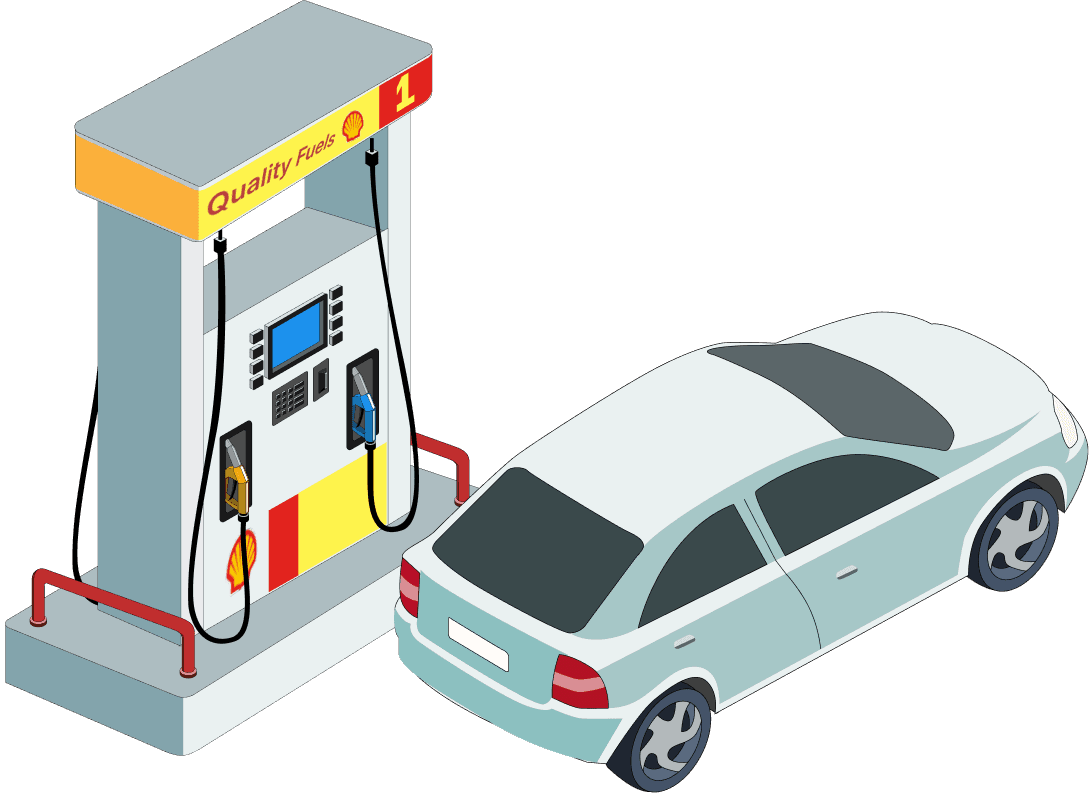
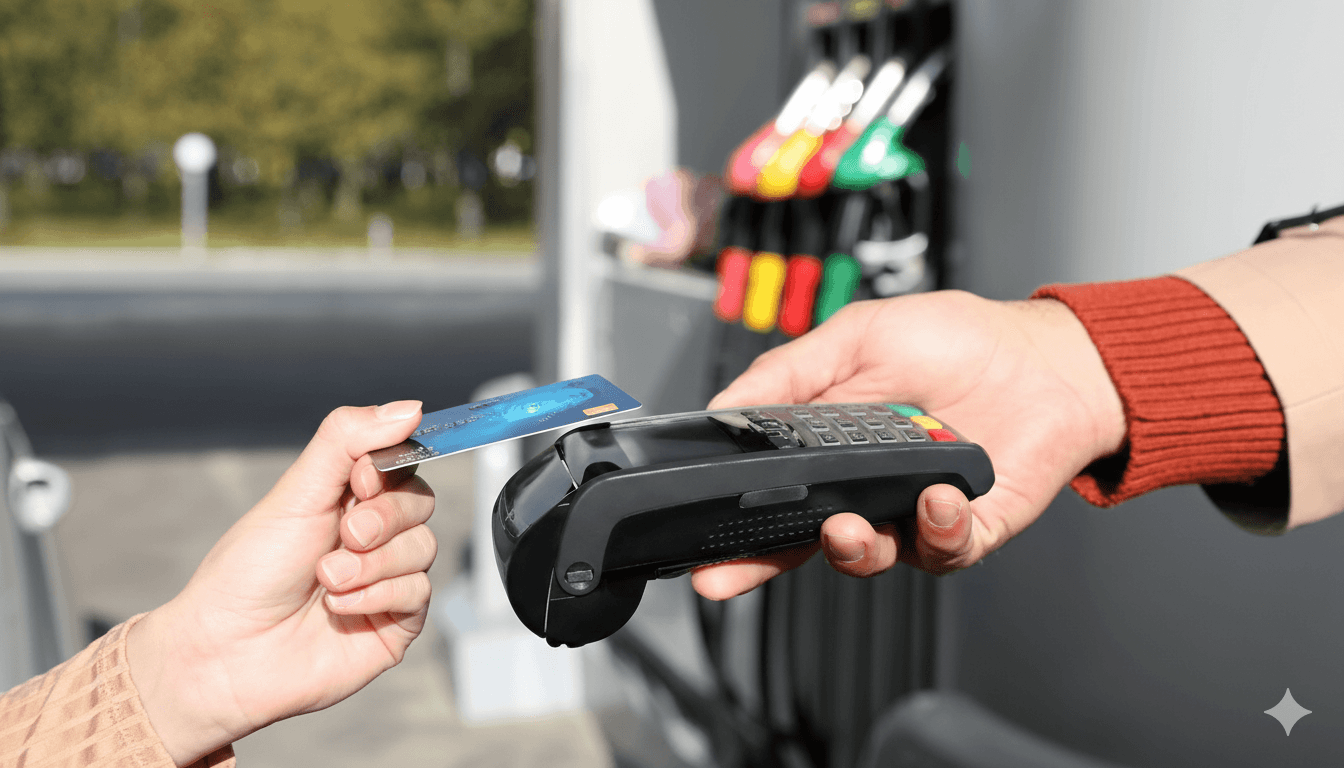
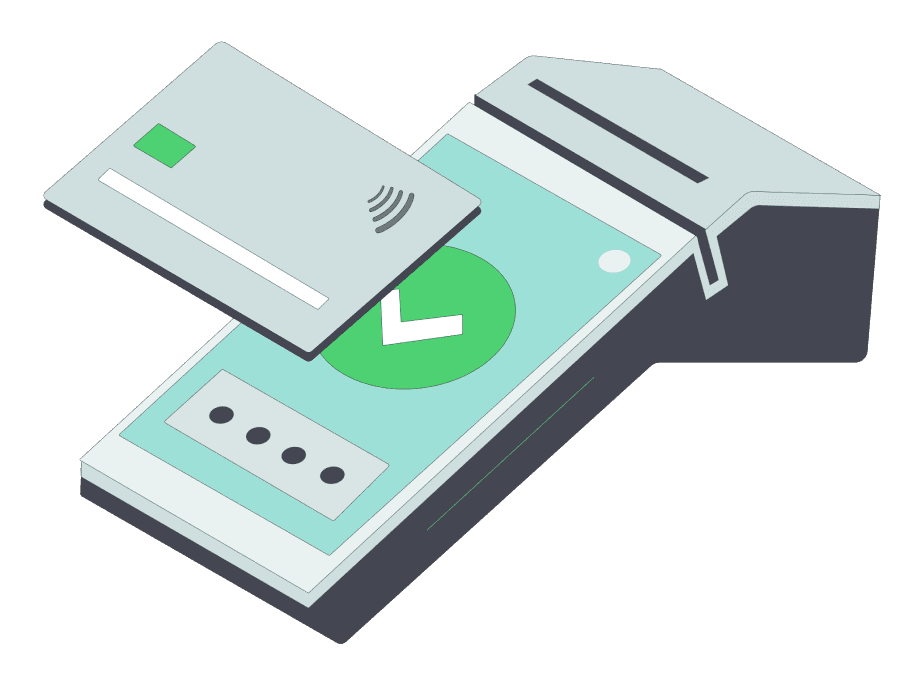
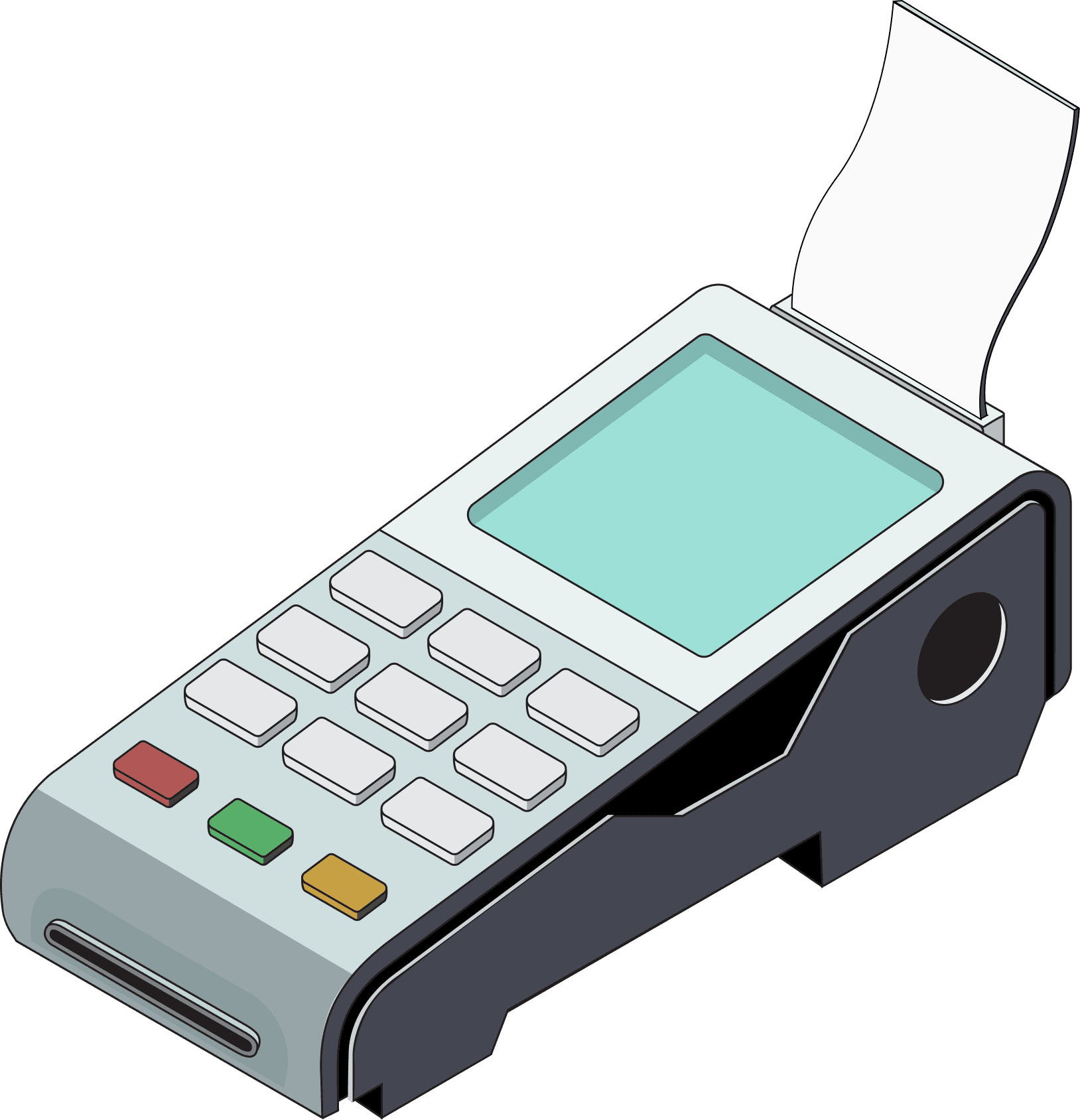
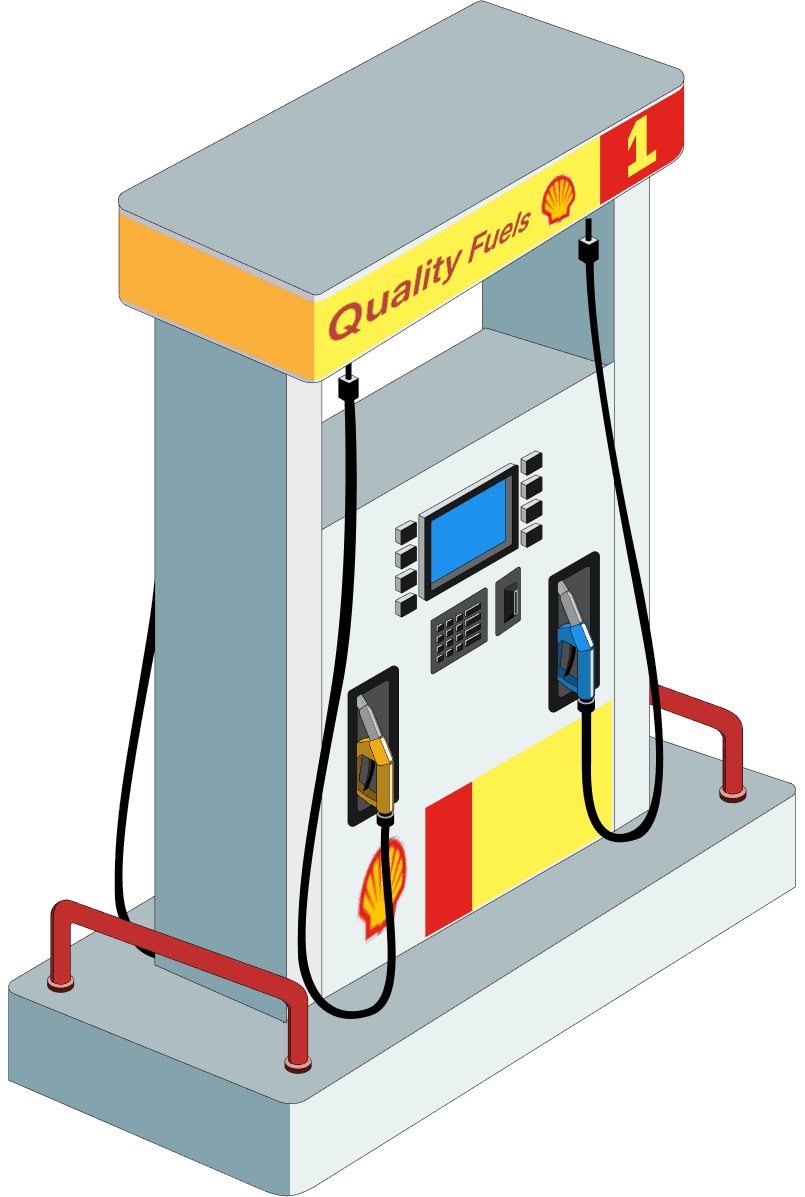
Since the app already used isometric object illustrations, maintaining visual continuity was essential. We explored a few motion references and established a simple isometric video style with minimal colors and action-focused transitions to keep the experience clear and consistent with the product.

Isometric video references

Already using asset references

Isometric video references

Already using asset references

Isometric video references

Already using asset references

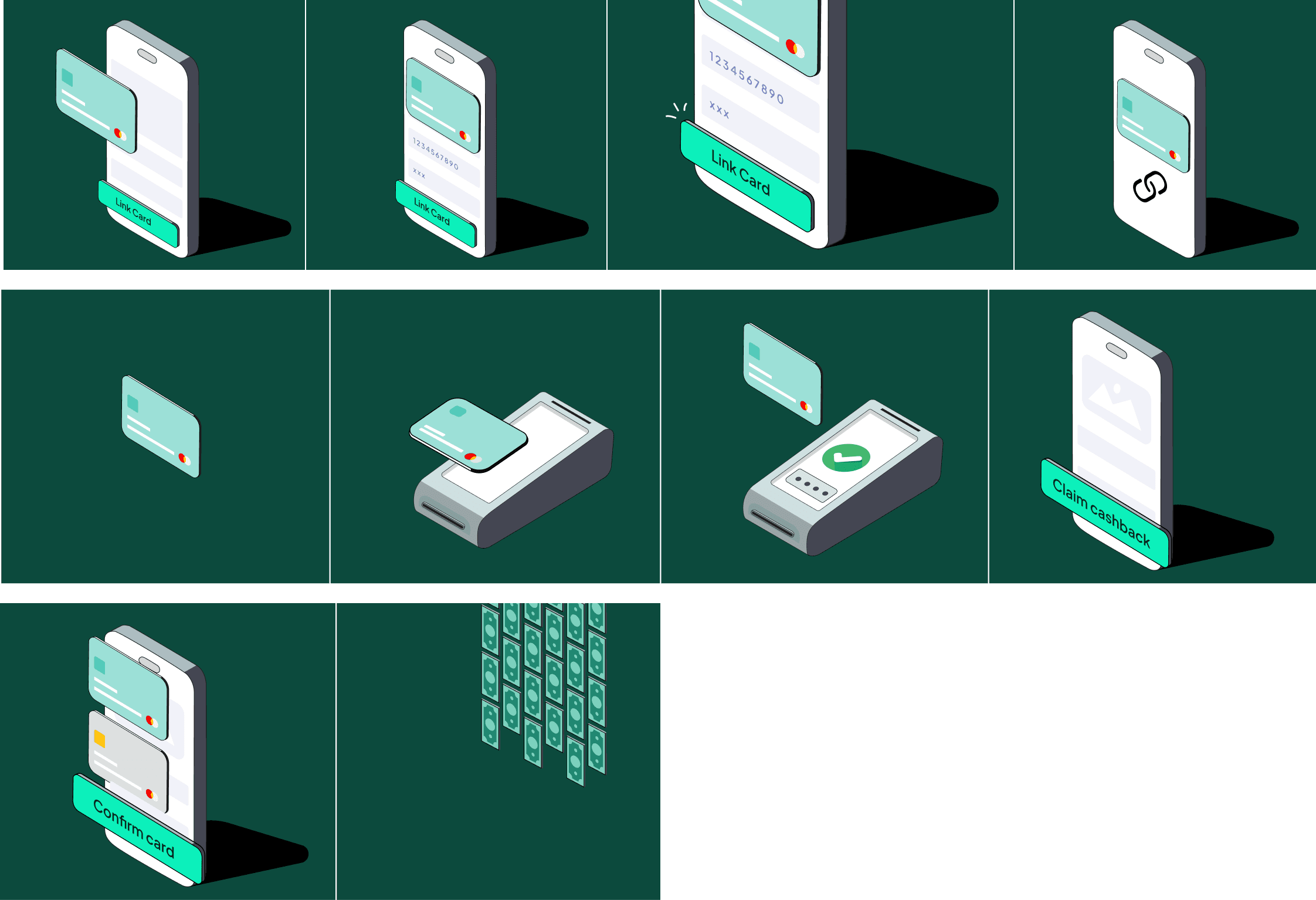
Story boarding

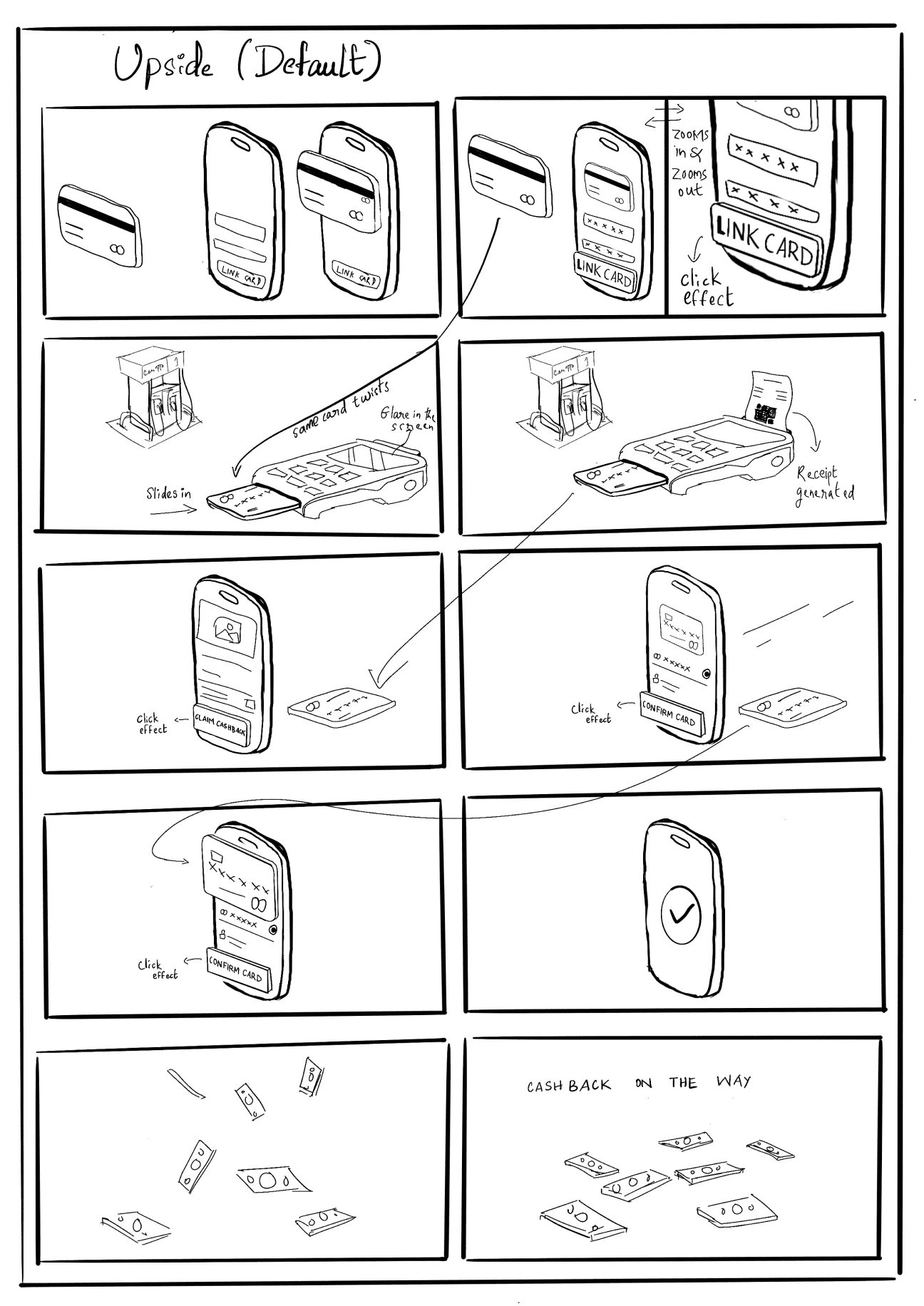
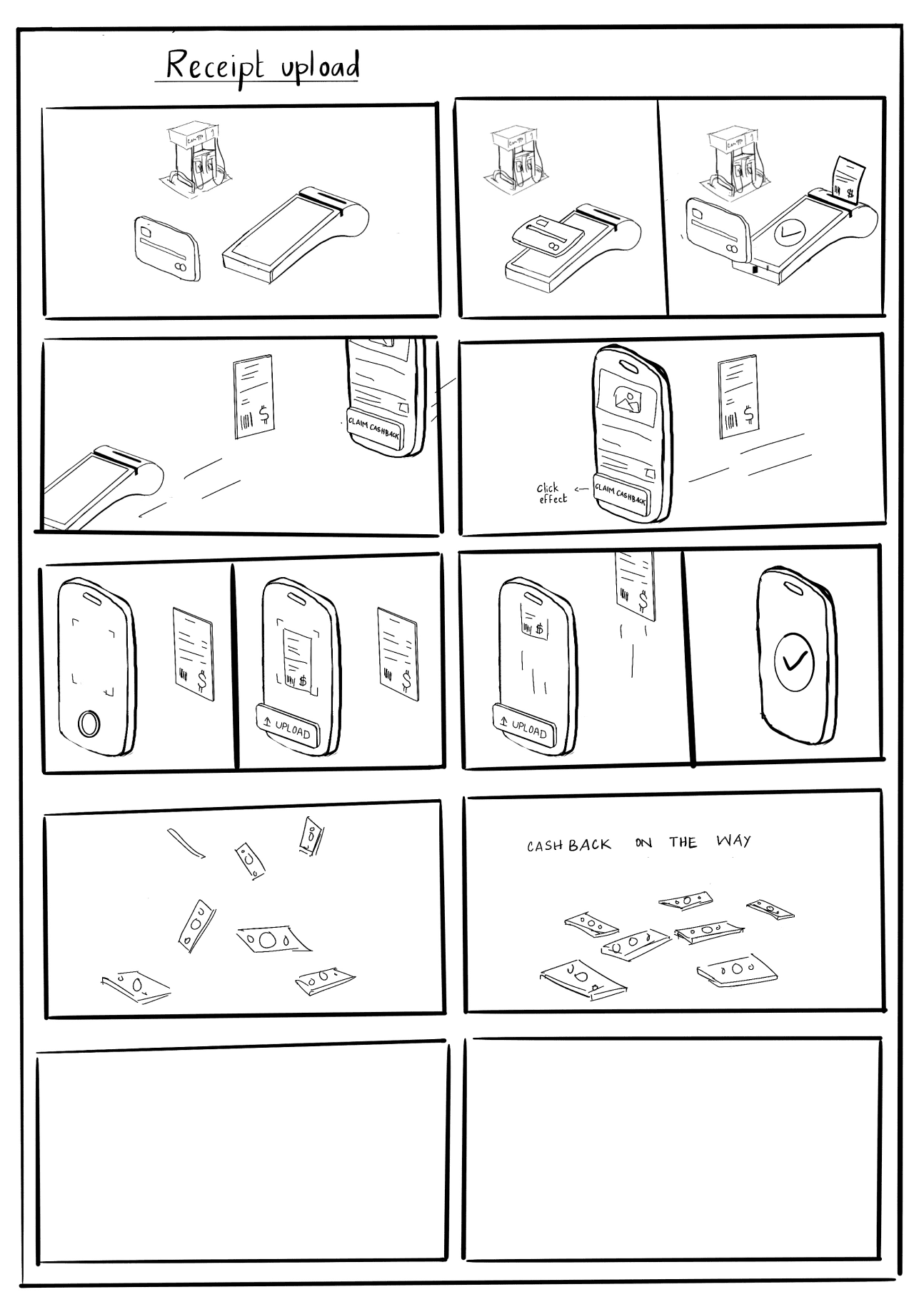
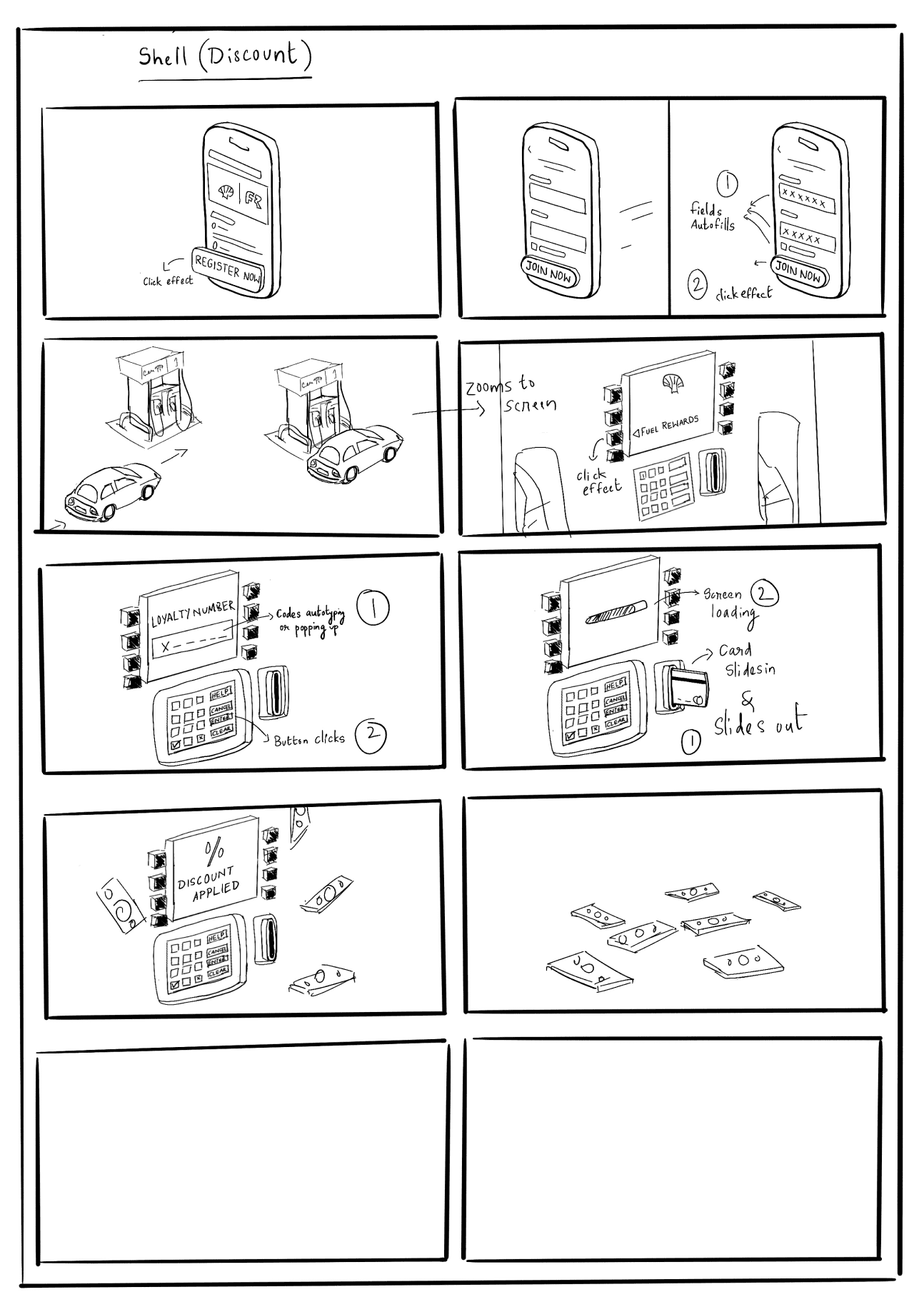
I first documented the steps in words to establish intent and order, and then translated them into storyboards to visualize pacing, transitions, and system responses.

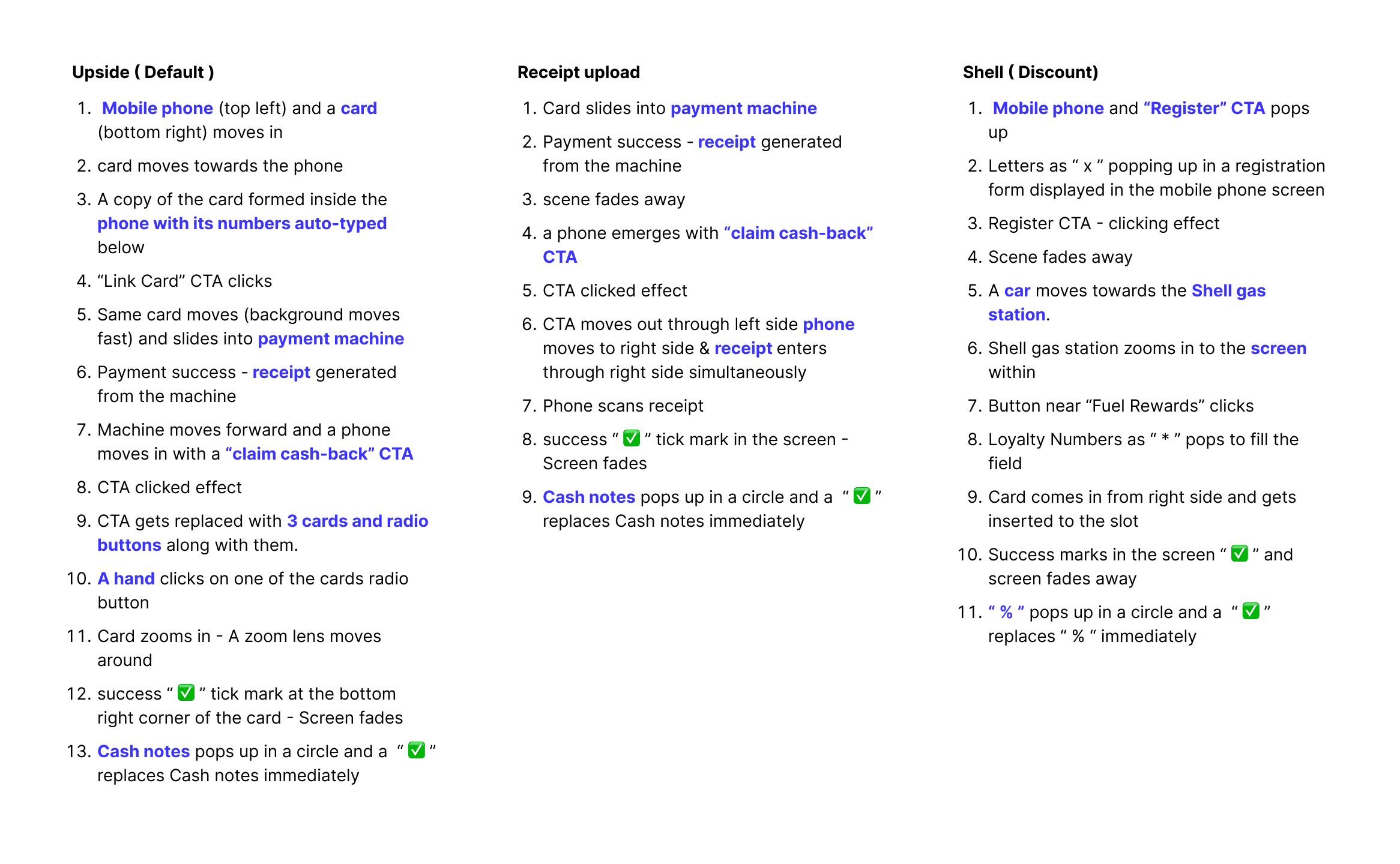
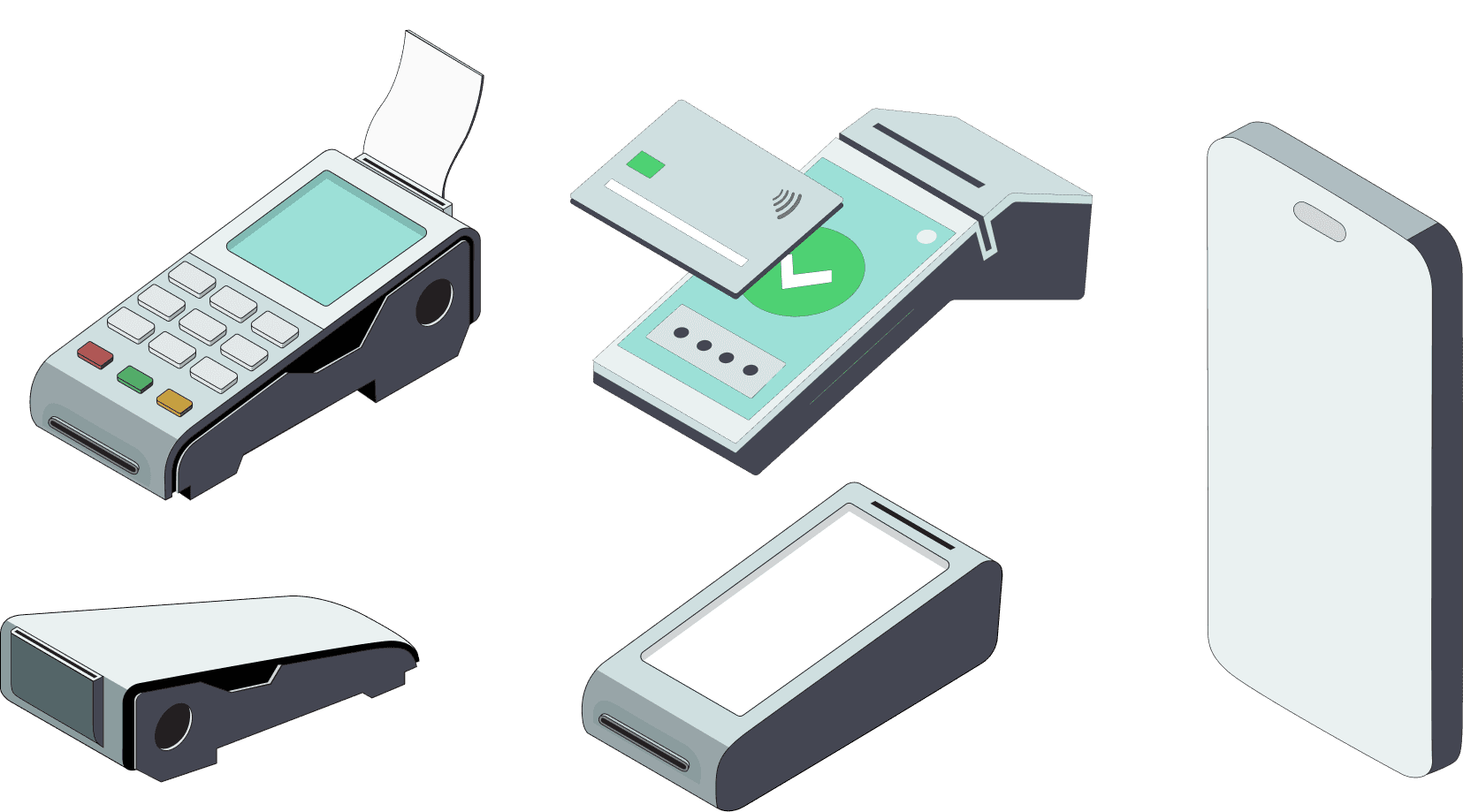
3D Assets creation

Created a reusable set of isometric assets aligned with the app’s visual language
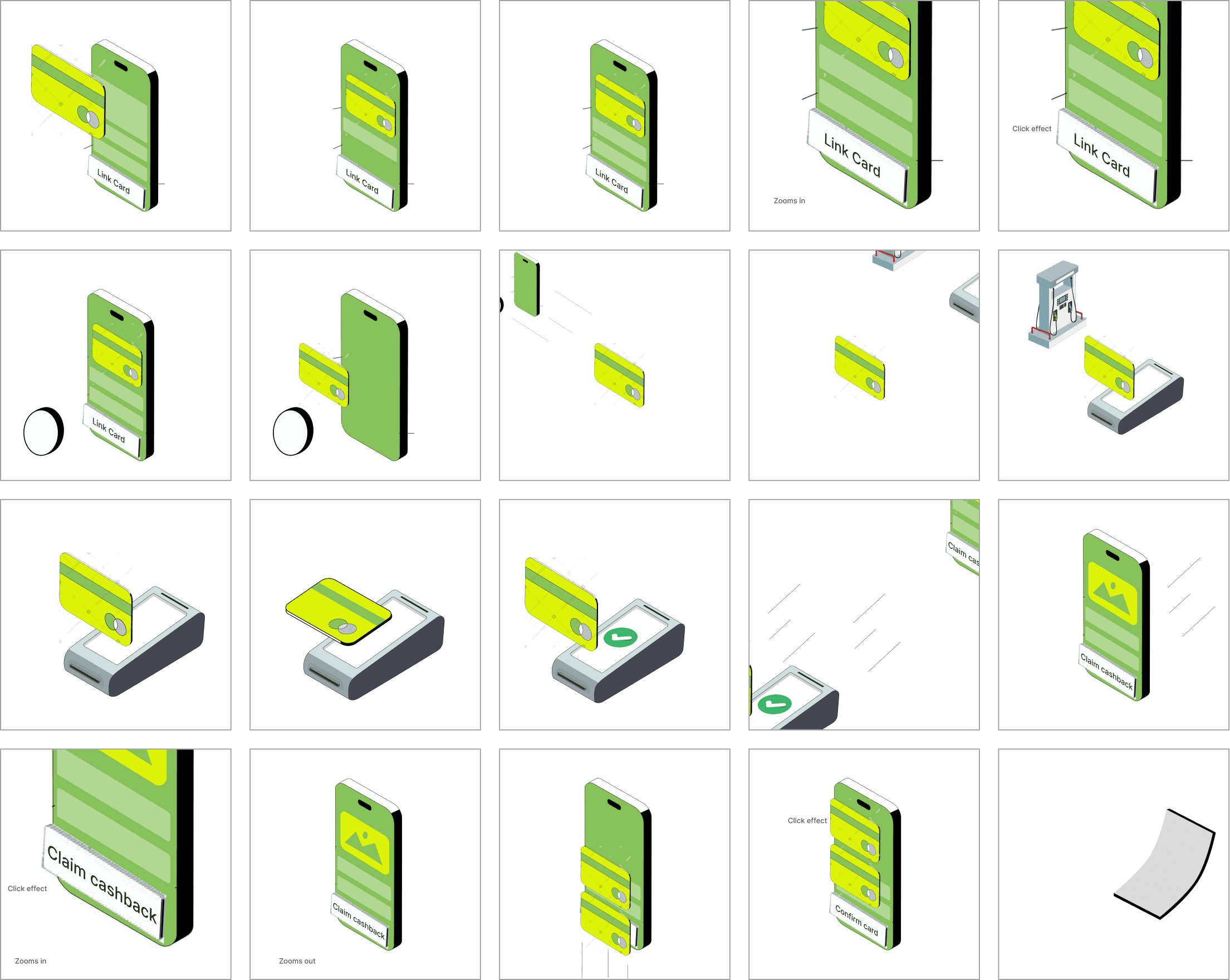
Motion styles & Cues

Embedded motion stages and cues, specified transitions, emphasis moments, directly into the storyboard and documented it to support smooth handoff to motion production
The Final Explainer Videos

The Final Explainer Videos

The Final Explainer Videos

Receipt upload cashback

Receipt upload cashback

Shell reward discount

Shell reward discount

Shell reward discount

Cashback with saved card (Upside)

Cashback with saved card (Upside)

The impact we saw

The impact we saw

Users who watched the explainer were more than 2x as likely to successfully claim cash-back, indicating a clear uplift in engagement.

35%

Conversion among full video watchers

15%

Conversion among non-watchers

End note

End note

This project showed me that not every problem requires a full redesign. Working within system and engineering constraints pushed me to focus on clarity at critical interaction points, which ultimately improved claim conversion. It reinforced that good UX often comes from making complex systems easier to understand, not necessarily simpler.

© 2026 Jithuna Das. Designed & built with love using framer

© 2026 Jithuna Das. Designed & built with love using framer

Create a free website with Framer, the website builder loved by startups, designers and agencies.